fortrabbit
PHP hosting for developers.
Running on AWS. Serving worldwide.
Private by design. No cookies.
Managed PHP cloud hosting since 2012. For freelancers, agencies, startups, agents and you.
7 days free trial
from €4.50/mo
Deployments, logs, metrics and team access for every app, in one dashboard.
Demo: screenshots of the dashboard, from the home screen over an app and its environments to deployments, people, and teams.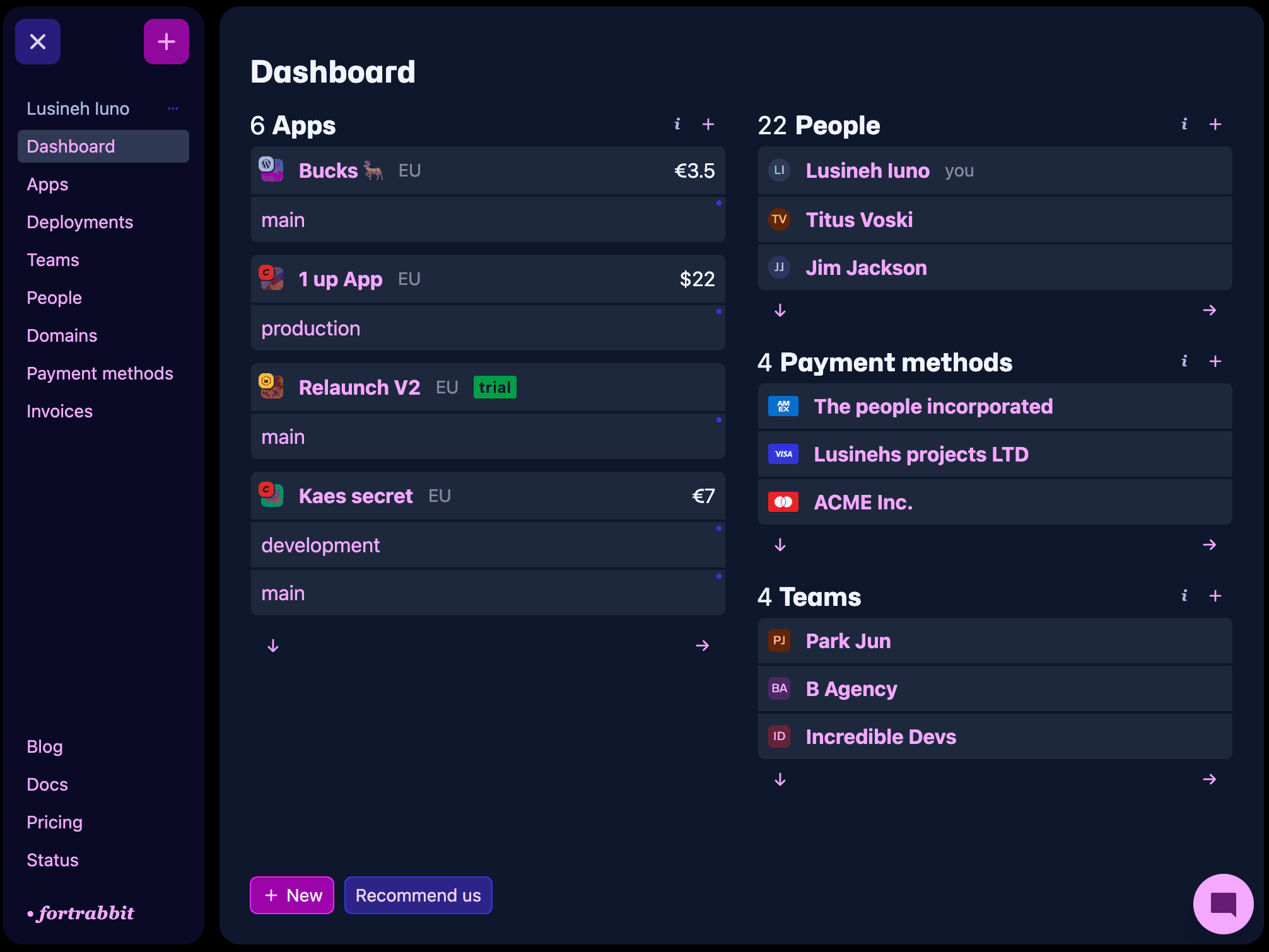
Coding agents sign up, deploy and debug from a single prompt.
Demo: a coding agent with the fortrabbit agent skills and the MCP server creating and deploying a new site, moving an existing site, deploying from GitHub, creating a staging environment, pulling the database, fixing a 500 error and reading a deploy log. Each scene comes with a prompt to copy.Any PHP framework or CMS runs. The ones listed come with a preset and setup guides in the docs.
An app groups the environments of one project. Each environment is an isolated runtime with its own components, domain and Git branch.

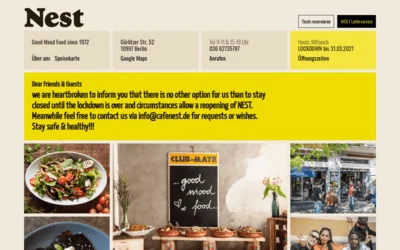

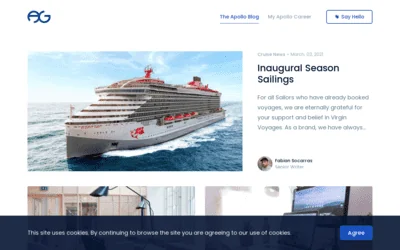
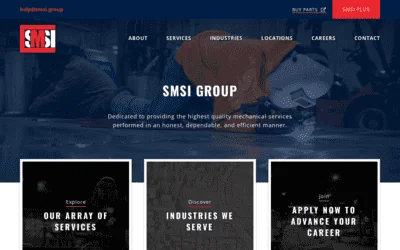
Connect your GitHub account. Software is detected and configured. Deploy with git push.
Get insights with server-side performance data, no JS and no cookies required.
Your errors never looked that great. Stream PHP, Apache, and access logs live. Filter by level, method, status, or free text.
Not like other clouds. Persistent storage and the unix tools you already know. Push code with Git, sync assets with rsync, jump in with ssh.
Demo: a developer using rsync over SSH to sync assets, then logging in to the fortrabbit environment to inspect storage.Map real world relations. Collaborate with other developers in teams. Share payment methods. Invite business owners to pay.
People
Teams
Payment methods
We host in Ireland (EU) and Virginia (US). Select the data center location for each new app.
fortrabbit is independent and funded by paying customers. We are a small, international team rooted in Berlin.
Web hosting runs on greed and dark patterns. We're in it for something better.

CEO at fortrabbit
We usually reply within a couple of hours. Say hi.
Get a second opinion from your favorite chat bot buddy on fortrabbit.
I just wanted to say that the documentation that you guys have and the service you provided me while I was initially setting everything up was probably the best I've encountered in my 20-ish years of front-end web development. Your dashboard is super simple and it has all of the right things for someone like me, and none of the fluff that isn't necessary.

As a design and development studio, managing and maintaining servers used to take a big chunk of our time, especially when things went wrong or major updates were needed. Passing that responsibility to fortrabbit, who are absolute experts and have a specialist team, was a game changer. The service is faultlessly stable, support is always fantastic & prompt and it scales with the click of a button. The whole experience is so scarily smooth! The time they have saved us could not be more valuable.
I've been a fortrabbit customer for seven years, and I continue to appreciate its simplicity and reliability. Deploying Laravel applications is incredibly fast and intuitive: projects are online in just a few steps, without wasting time managing infrastructure. Support is always quick, knowledgeable, and practical. fortrabbit lets me focus on development, knowing everything else is in excellent hands.
2026 — Direct feedback
No server - Forge sets up and manages a server that you rent. Operating system upgrades and the server bill stay with you. On fortrabbit we run the hosts, and Laravel hosting is billed per component of each environment.
#Yes - Coding agents such as Claude Code or Codex connect to the fortrabbit MCP server to create environments and read deploy logs. The agent skills and the CLI handle the work over SSH, such as syncing files and pulling the database.
#Yes - Every new app starts with a seven-day free trial, with all components in all sizes and no credit card. Add a payment method to keep the app after the trial.
#Partly - With autoscaling on, storage, traffic and MySQL move up to the next size once usage passes the booked one, and back down when it drops. PHP and jobs keep their booked size; change it in the dashboard. Turn autoscaling off for a fixed price.
#Yes - A PHP app can connect to a database from another provider, such as PlanetScale or Neon. Port 3306 is open for outgoing connections by default; open other ports in the outgoing firewall setting. A database in the same AWS region as the app keeps latency low.
#Yes - A client account is for the person who pays. Clients see the invoices and manage billing for the apps they are added to, without access to the code.
#No - fortrabbit is a PHP PaaS. SSH access runs in a jailed shell without root, and WebSocket connections are not supported.
#Yes - Cancel the account, an app, an environment or a single component at any time in the dashboard. It takes effect immediately, and billing stops the next day.
#fortrabbit is managed PHP cloud hosting on AWS for Laravel, Craft CMS, WordPress, Symfony and most other PHP software. We run the PHP runtime, MySQL, SSL certs and daily backups. A push to the connected GitHub branch starts a Composer build, and the release goes live once it succeeds. An app holds several environments, each with SSH and SFTP access and its own default domain, so staging and production run the same code at different sizes. Apps run in Ireland or Virginia, billed per component and per day. fortrabbit is a bootstrapped GmbH in Berlin, operating since 2012.
fortrabbit
PHP hosting for developers.
Running on AWS. Serving worldwide.
Private by design. No cookies.
No spam. No credit card required.